This works to simulate the keystrokes:
import pyautogui pyautogui.typewrite('hello world!', interval=0.1) except that:
- it writes hello world§ (with FR keyboard layout)
- it writes hello world (with EN keyboard layout)
Of course, the desired output should be hello world!.
Is there a workaround?
NB: I don't think it is the same problem than Input unicode string with pyautogui because here it's not a non-ASCII character, but anyway the main answer with a copy/paste hack would not work in my case, as I really want the slow typing with 100ms pause between each keypress.
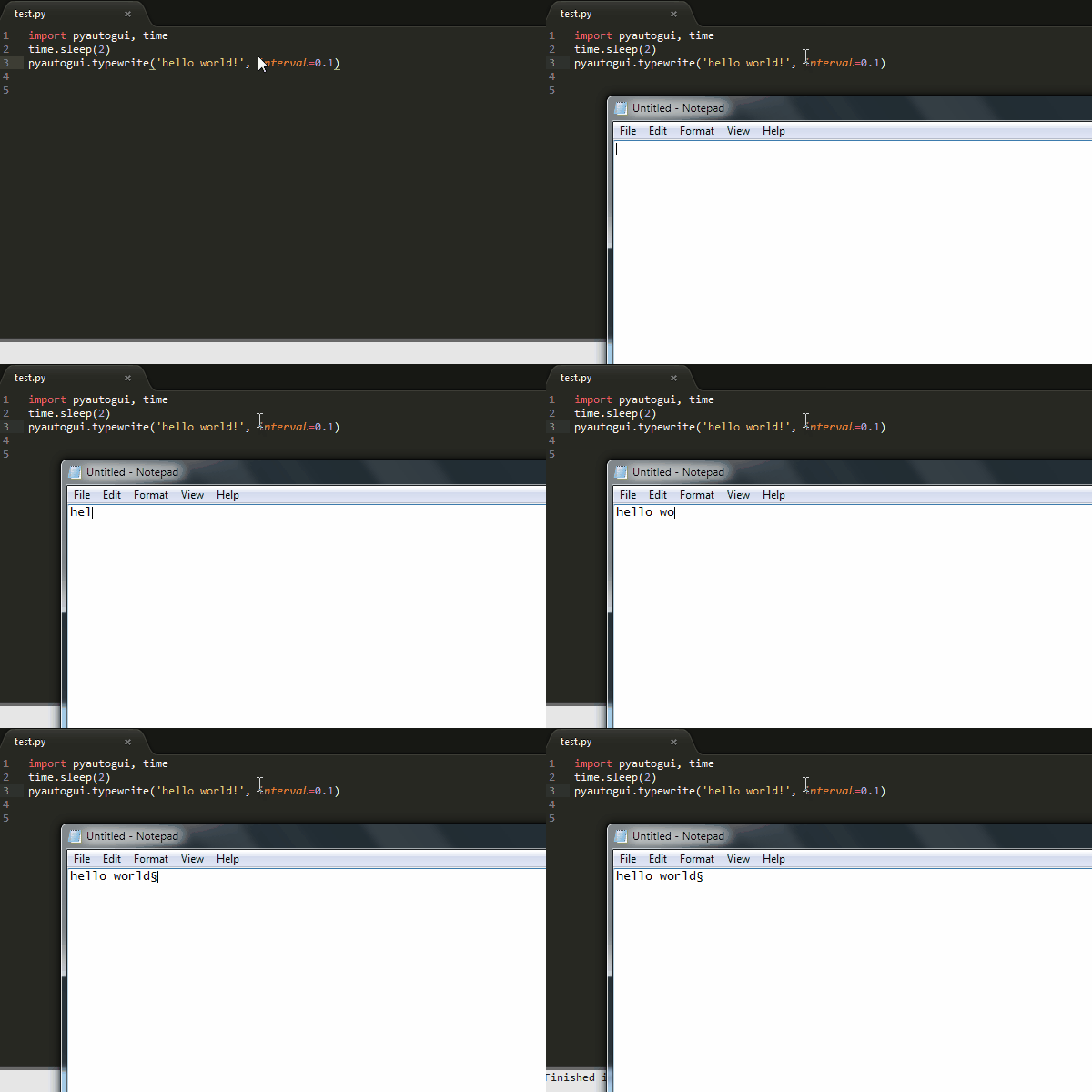
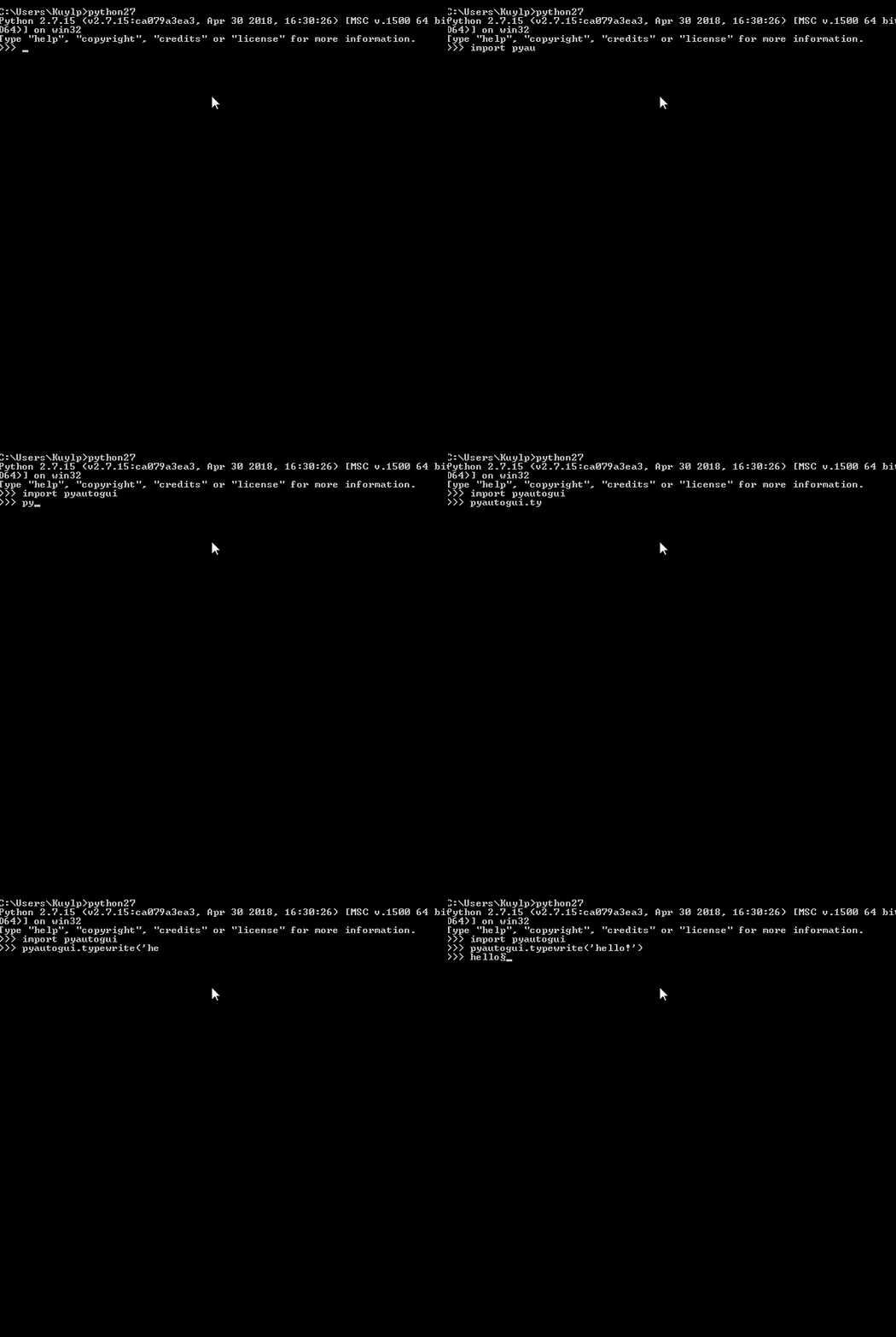
Here is how to reproduce the error:
- Windows 7 x64
- Python 3.6 or Python 2.7
- pyautogui 0.9.41 or 0.9.48
- the 2 lines of code mentioned at the beginning
